logo elektroda
logo elektroda
X
logo elektroda
Dostępna jest polska wersja

Czy wolisz polską wersję strony elektroda?

Nie, dziękuję Przekieruj mnie tam

How to Make RF433 Work on Smart Switch WiFi After Flashing WB2S with BK7231Flasher?

bor1970 2814 3
ADVERTISEMENT
  • #1 20991230
    bor1970
    Level 2  

    Hello everyone!
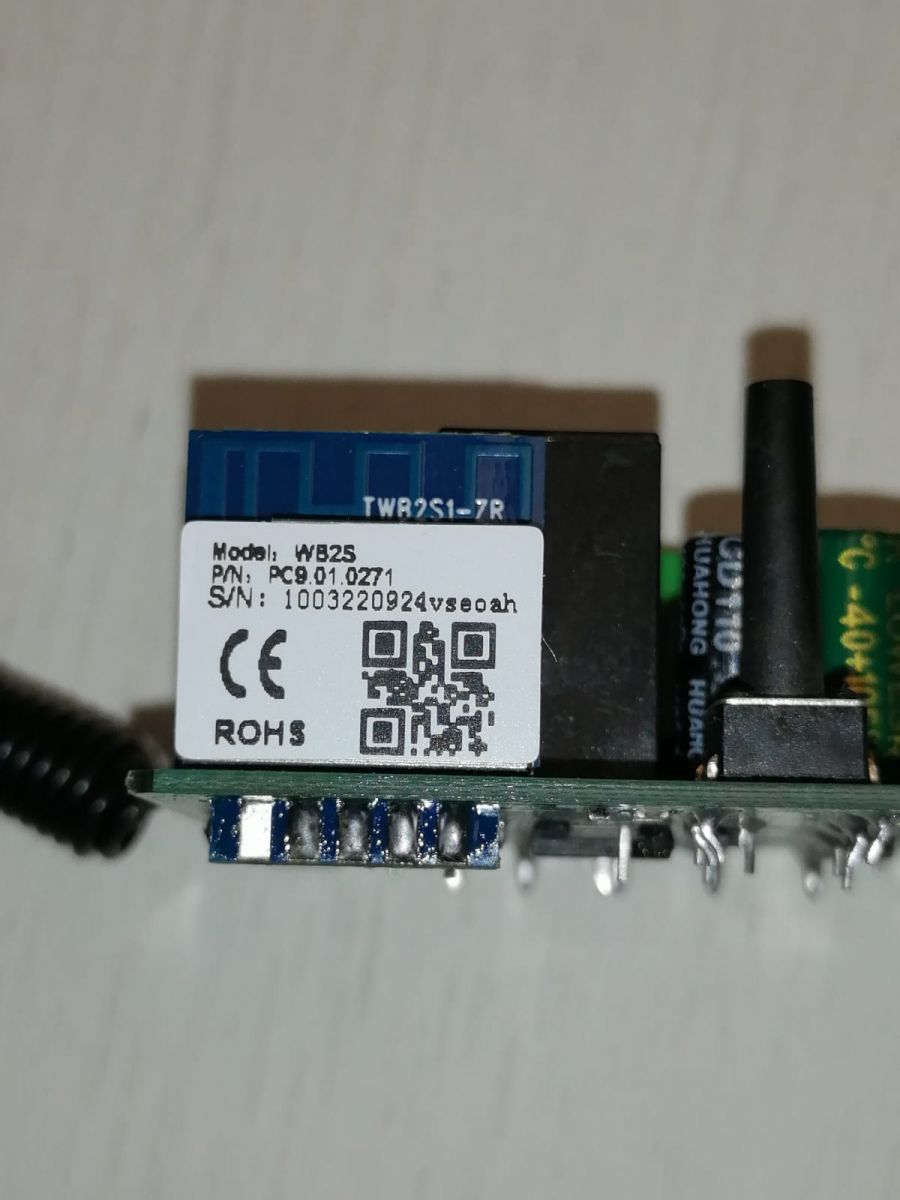
    Flash flashed WB2S c BK7231Flasher . MQTT, HTTP is working.
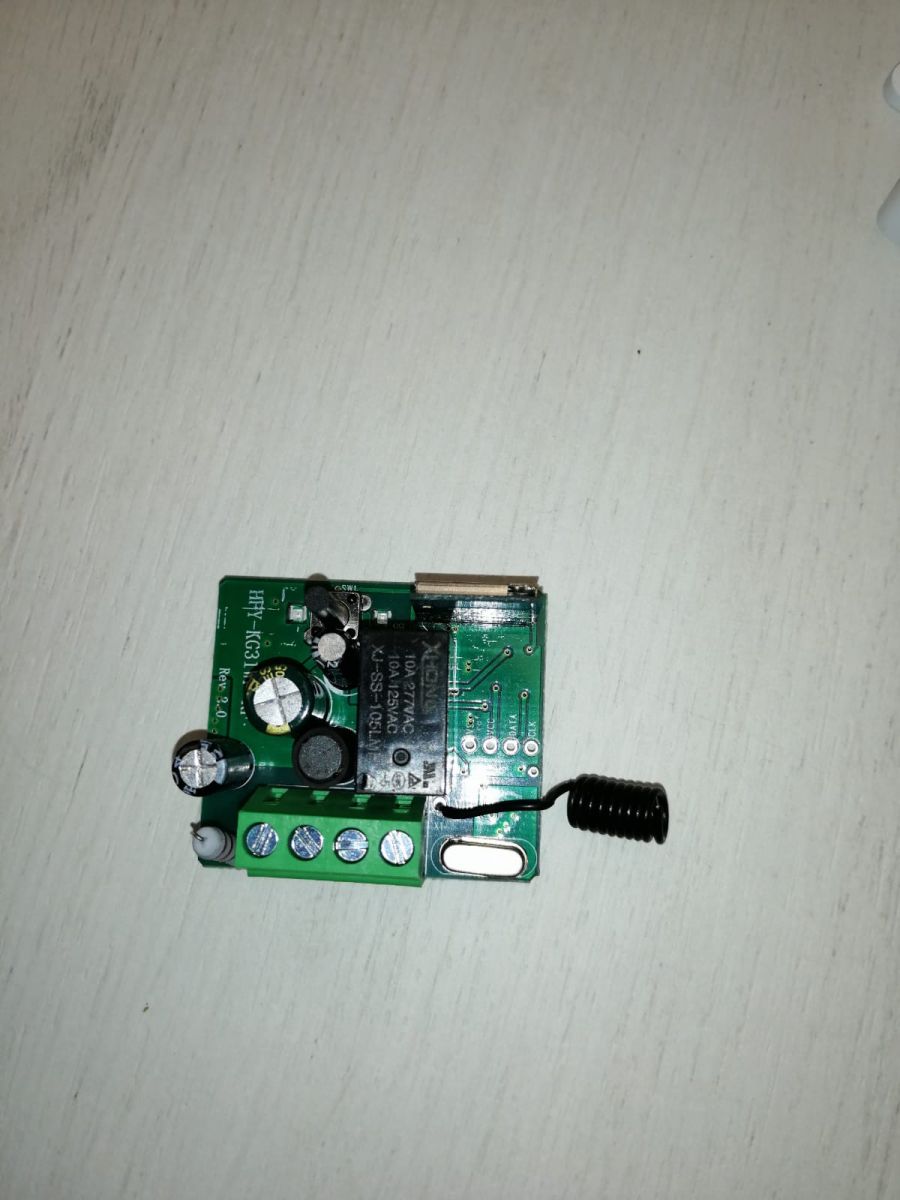
    I tried to teach it as in the RF433 manual, it doesn't work.
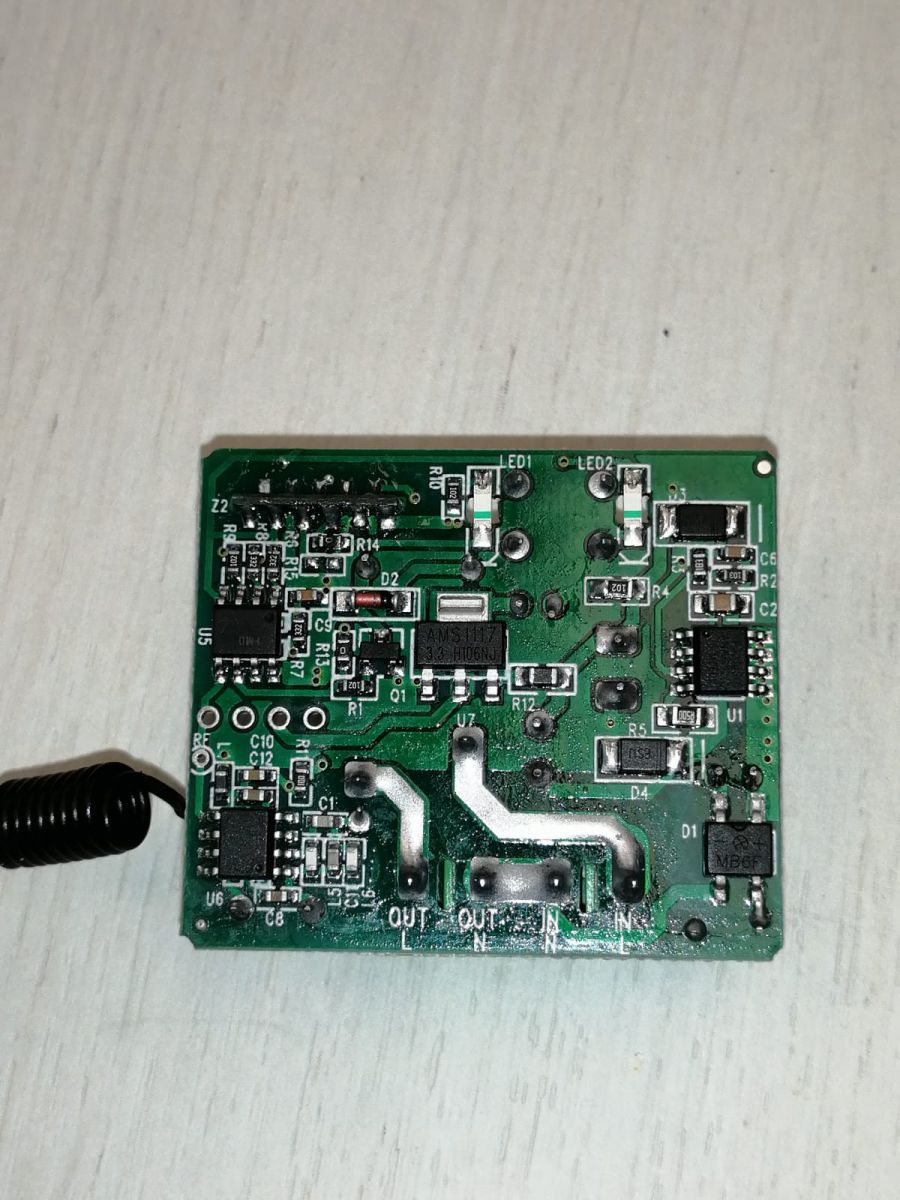
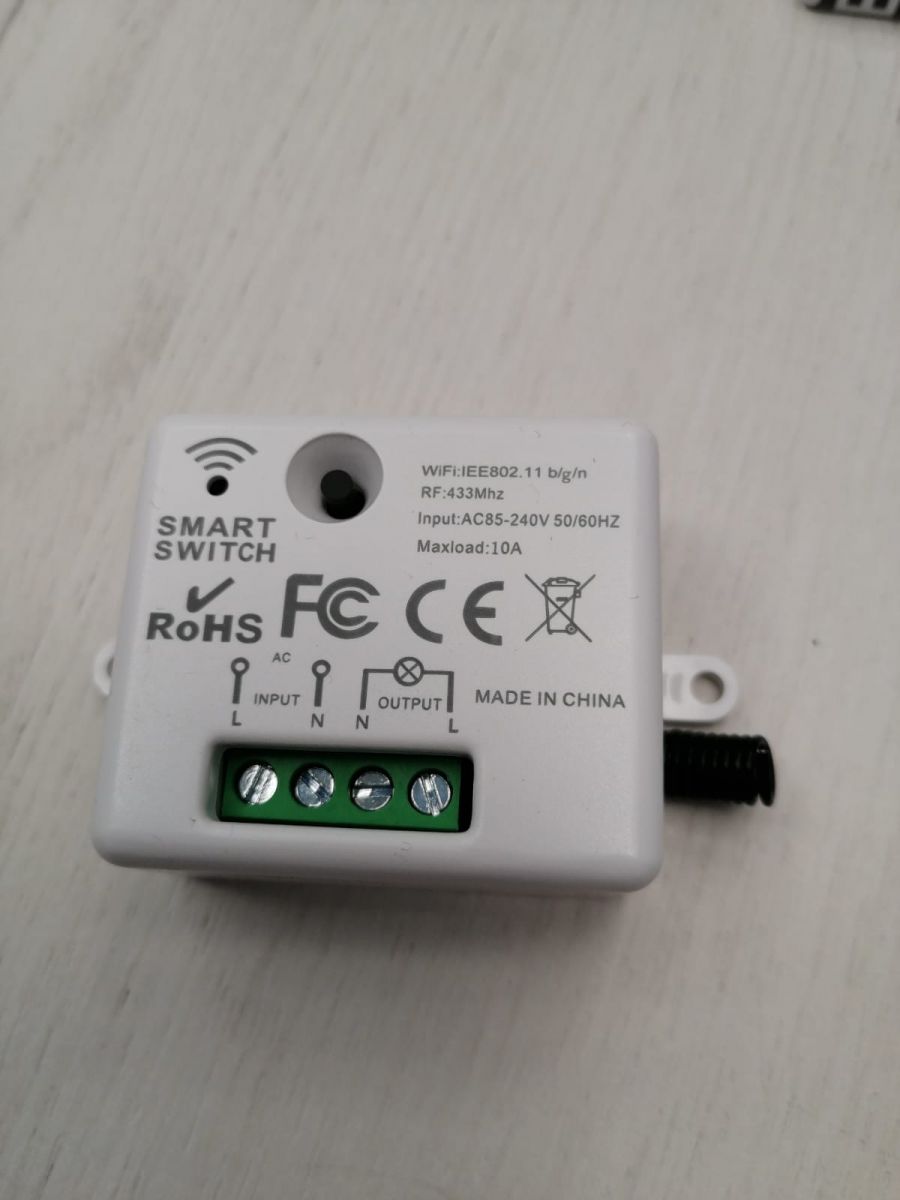
    WB2S module on a circuit board with labels and a QR code. Electronic module with components on a white background A printed circuit board with various electronic components, including a coil and LEDs. Smart switch with Wi-Fi and RF433 features on a white surface. And how to make RF433 work?
    Attachments:
    • readResult_BK7231T_QIO_1_2024-04-3-17-05-03.bin (2 MB) You must be logged in to download this attachment.
  • ADVERTISEMENT
  • #2 20992293
    divadiow
    Level 38  
    are you sure the RF part is controllable by the iot module?

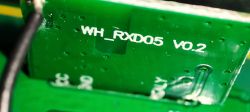
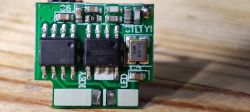
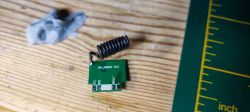
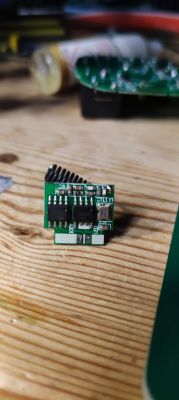
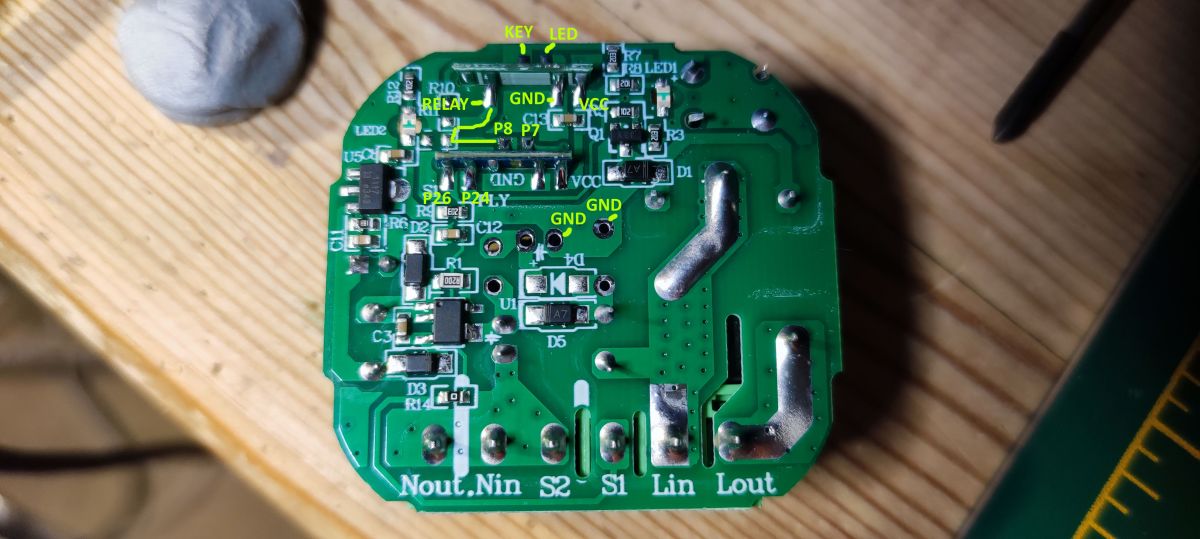
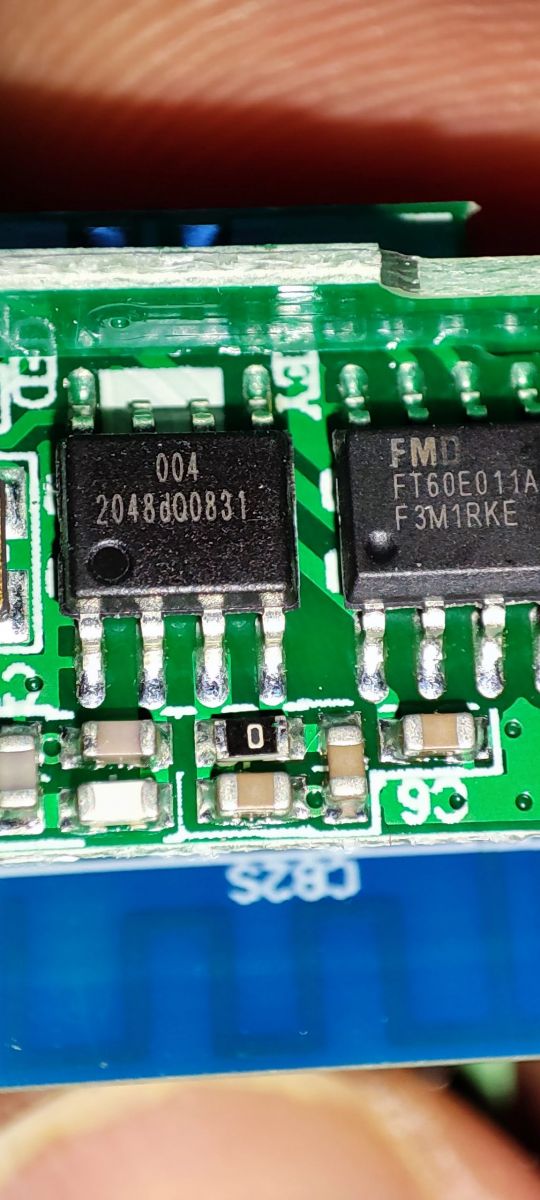
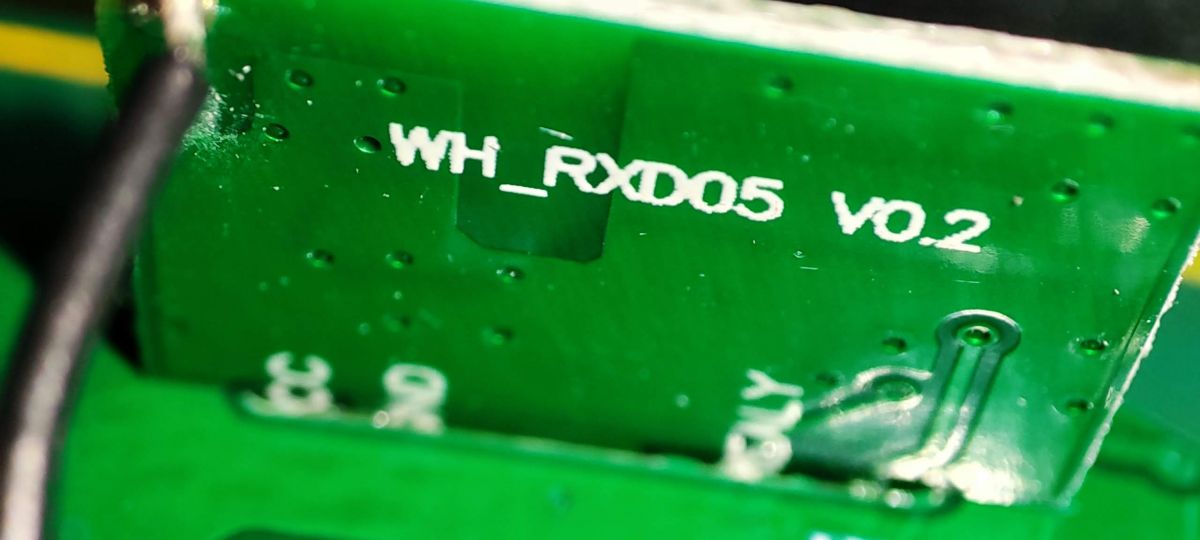
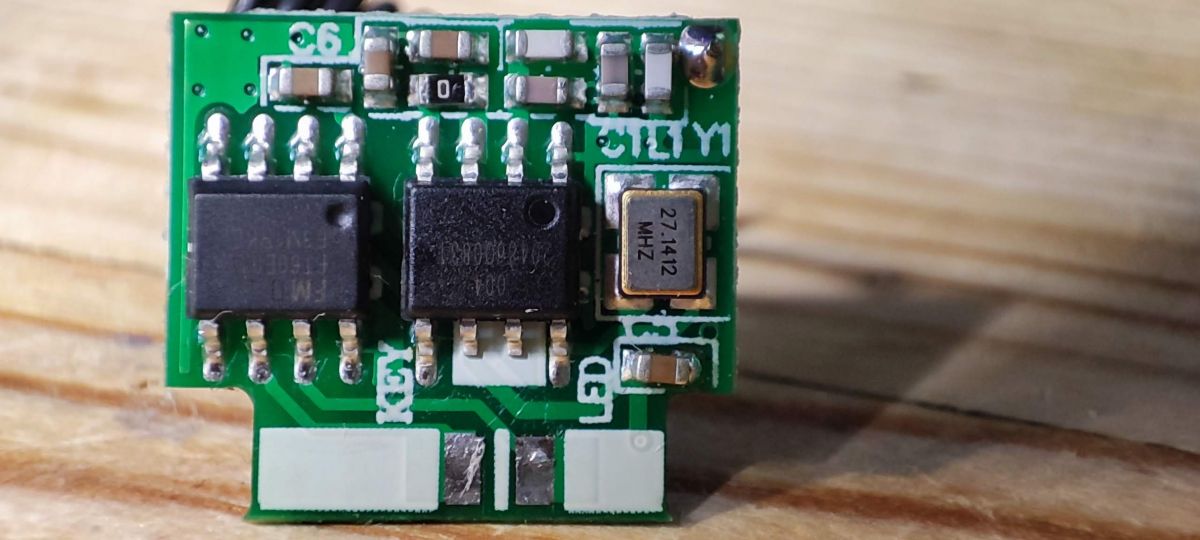
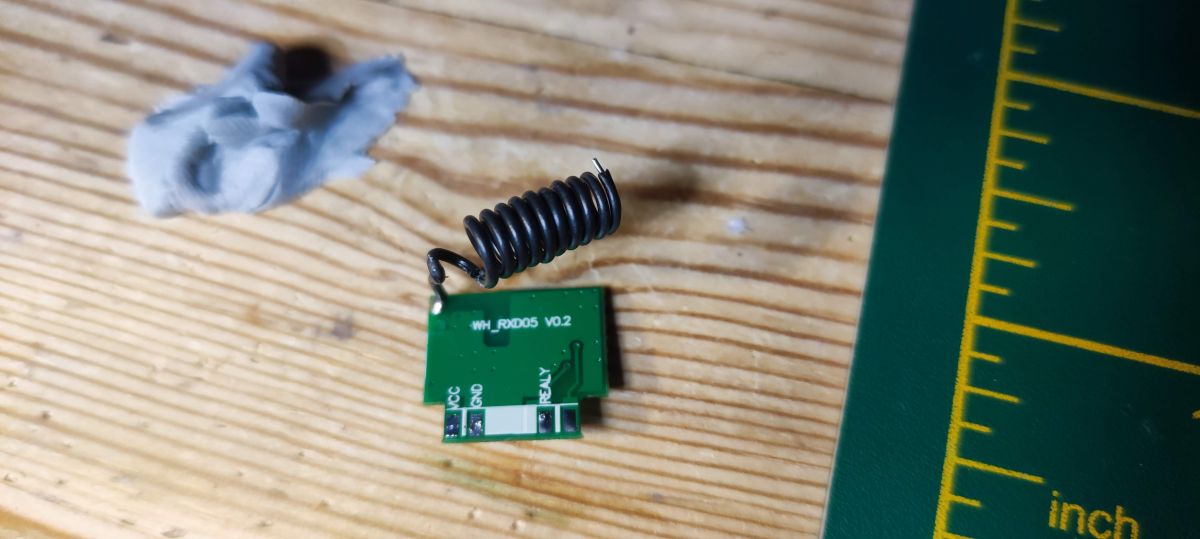
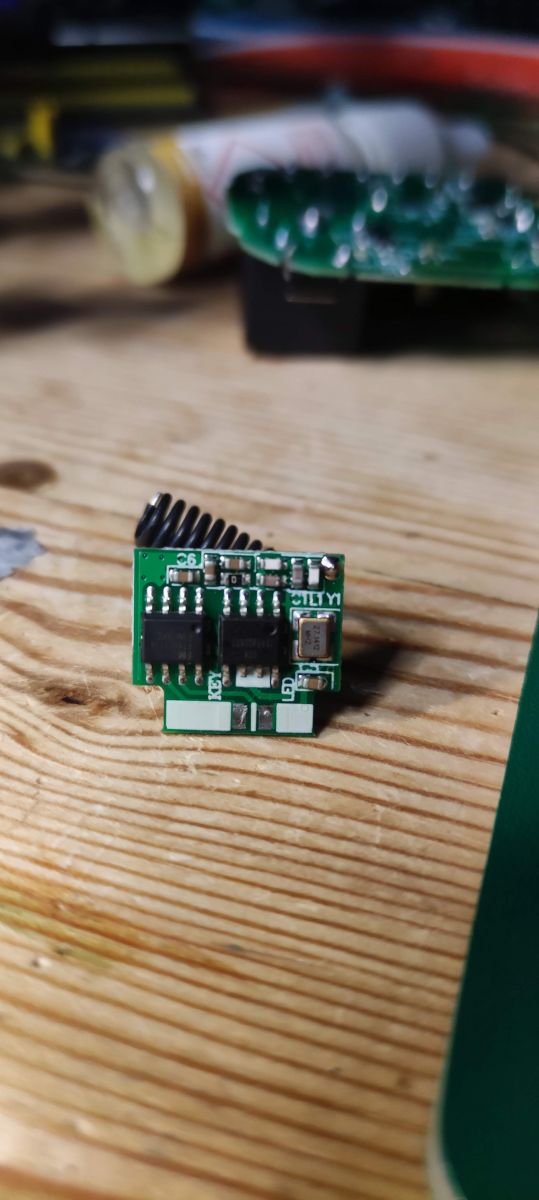
    I've just taken a standard 16a DIY switch apart, not yet posted about it anywhere, and it seems to have a RF module also that seems to control the relay separate to the BK module. There are not enough GPIOs connected for it to do anything smart. The RF daughterboard on mine controls its own red LED.

    I think! Not 100% sure yet. Just waiting for an RF remote to arrive. There's no mention of RF on the packaging or the web site or in the app when paired for mine.
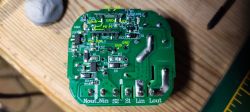
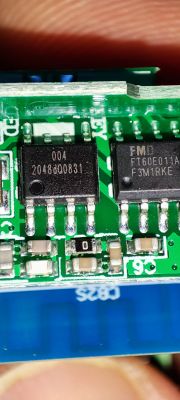
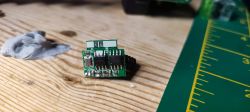
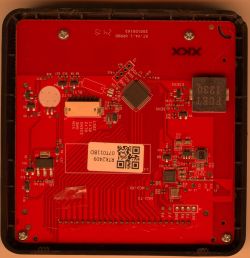
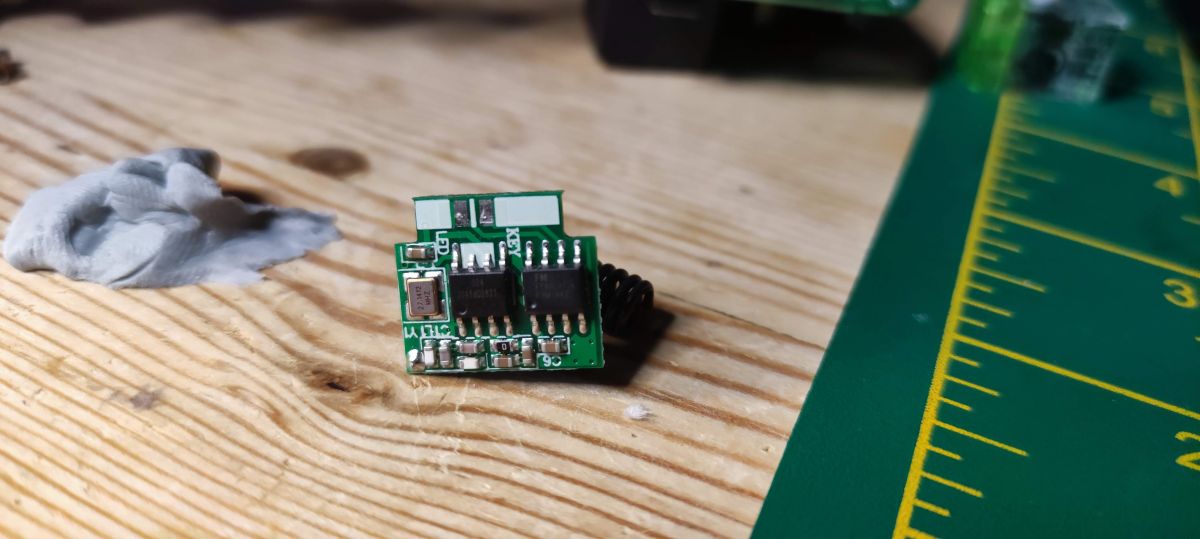
    Photo of the interior of a standard DIY 16A switch with visible modules and markings on the circuit board. Close-up of a circuit board with two integrated circuits and markings. Close-up of a green circuit board with the label WH_RXD05 V0.2 Electronic module with RF components on a PCB board. RF module with coil and markings WH_RXD05 V0.2 on a wooden surface. Electronic module with visible components on a wooden surface. Close-up of a green circuit board with electronic components.

    Added after 1 [minutes]:

    and like mine, GPIO extraction from your factory dump shows no RF or UNKNOWN pins

    - Button (channel 1) on P24
    - LED (channel 1) on P11
    - WiFi LED on P10
    - Relay (channel 1) on P8
  • ADVERTISEMENT
  • #3 20992296
    p.kaczmarek2
    Moderator Smart Home
    RF driver is not ready yet. I would need to get on such device in order to work on it.

    For now, I would suggest either waiting or replacing module with TYWE2S.
    Helpful post? Buy me a coffee.
  • #4 20992311
    bor1970
    Level 2  

    To divadiow: my device works with RF 100%

    To p.kaczmarek2: Thank you for your work.
    Maybe I can help you? I have an RF remote control.
    I think we need to write down the factory firmware and register the RF remote control.
    Read the firmware and compare it with the one without the remote control.
    And how to fill back the factory firmware?

    I'm sorry for my bad English.
ADVERTISEMENT